CHAPTER 5: OPERATIONAL PROCEDURES AND PRODUCTION WORKFLOW
PRODUCTION FACILITY DOCUMENTATION
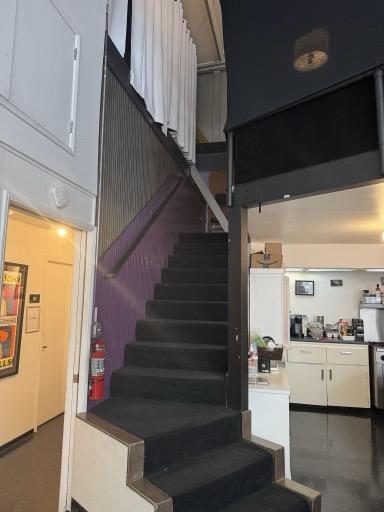
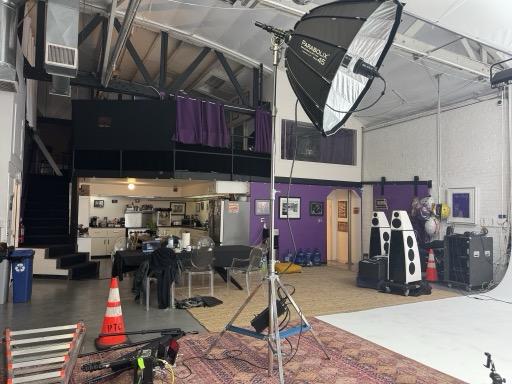
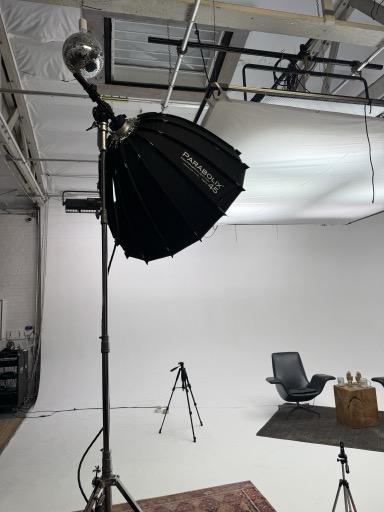
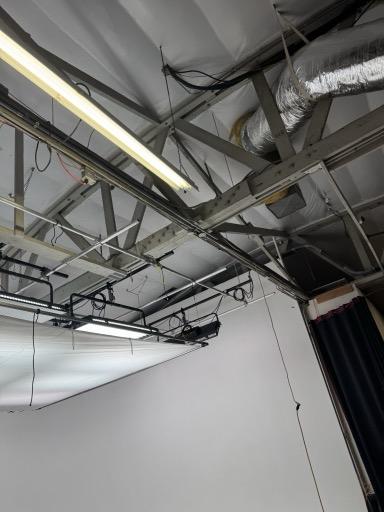
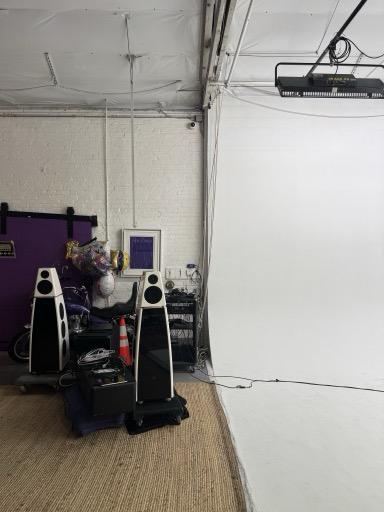
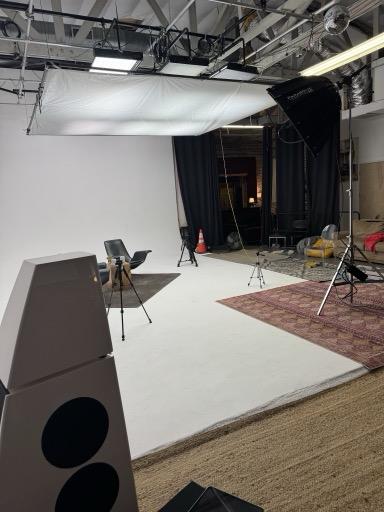
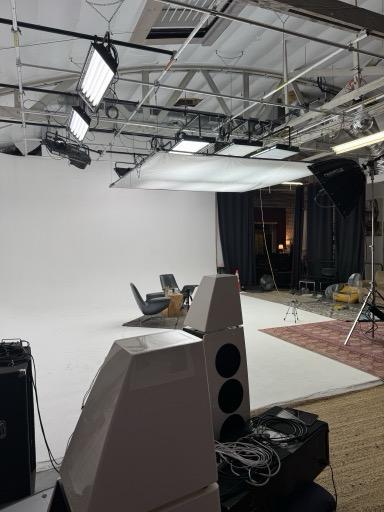
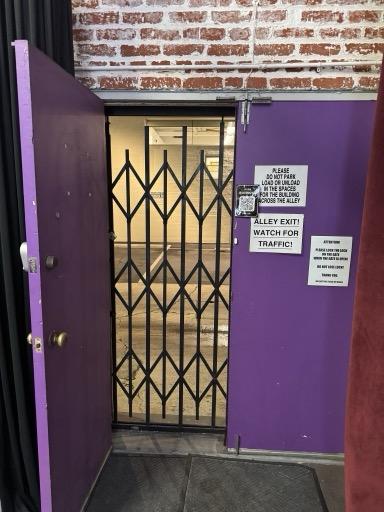
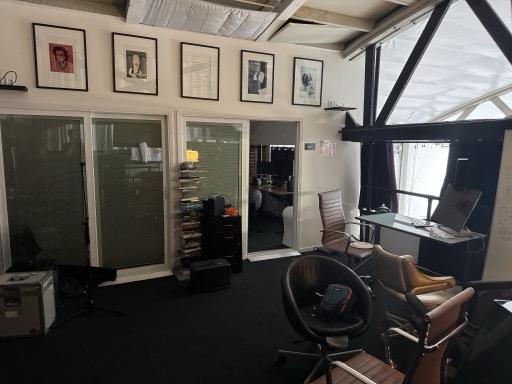
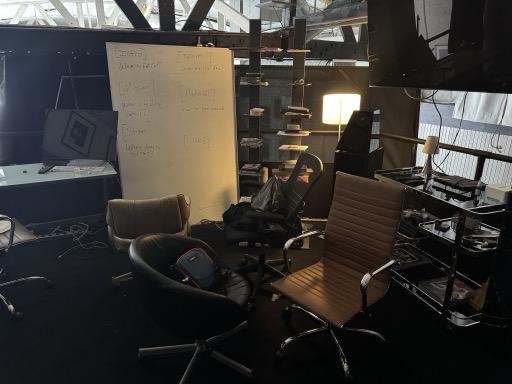
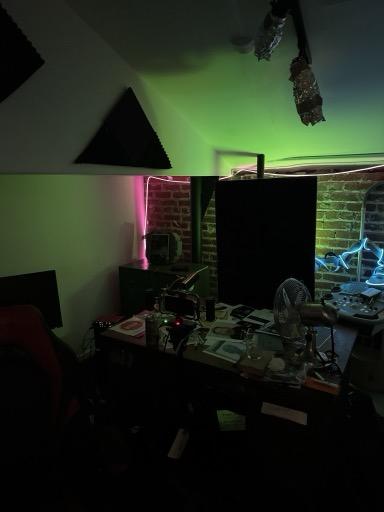
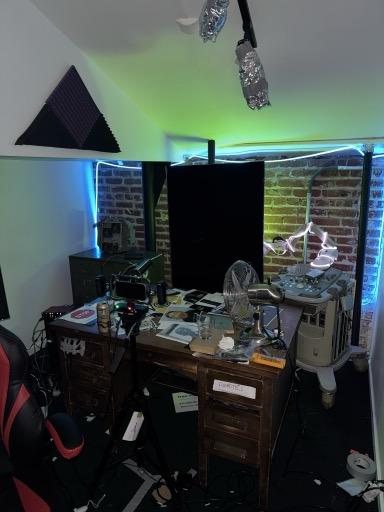
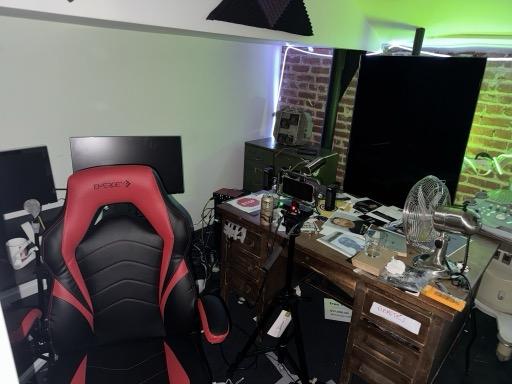
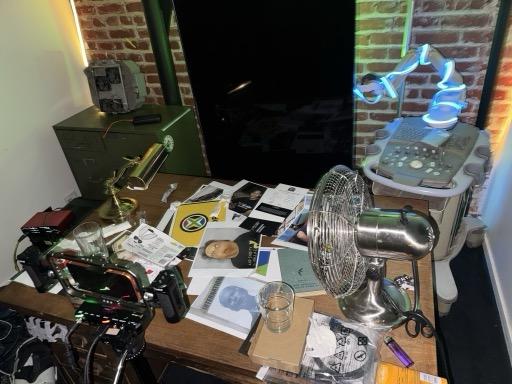
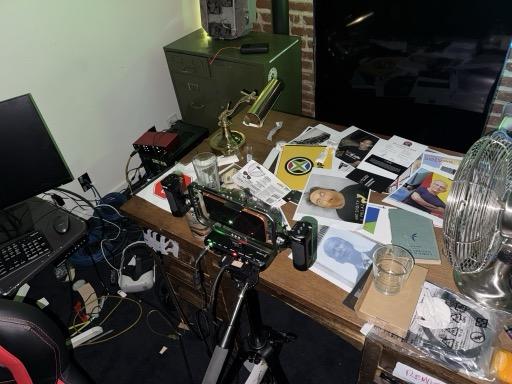
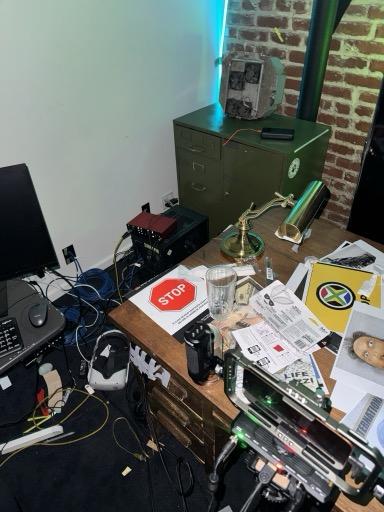
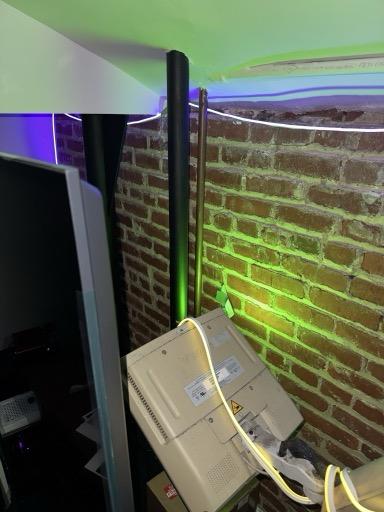
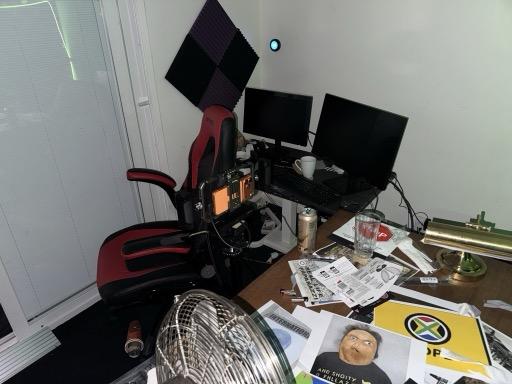
01. Facility Overview02. Interview Setup03. Lighting Rig A04. Camera Position05. Control Area06. Equipment Rack07. Wide Shot08. Cyclorama09. Lighting Rig B10. Grip Equipment11. Set Design12. Production Area13. Tech Station14. Zurk Desk15. Streaming Setup16. Monitor Array17. Desk Detail18. Props Area19. Backstage20. Full Stage
1. PRE-PRODUCTION PLANNING
Each live stream requires structured pre-production to ensure consistent quality and minimize technical issues during broadcast.
1.1 T-24 Hours: Content Planning
Identify target streams/guests for the session
Prepare any scripted segments or bit setups
Review community feedback from previous stream
Confirm talent availability and call time
1.2 T-2 Hours: Technical Setup
Power on all production systems
Verify Live Link Face connection
Test body mocap (if applicable)
Confirm OBS scenes and transitions
Test audio routing and levels
2. LIVE STREAM EXECUTION PROTOCOLS
Standard stream duration is 2-4 hours, broadcast daily at 12:00 PM PST. The stream operates with a three-person minimum crew: Performer, Director, and Technical Operator.
2.1 Role Responsibilities During Broadcast
Performer:
Embodies Fat Cat character through motion capture
Responsible for all audience-facing content including chat interaction, phone calls, and guest segments
Director:
Manages content flow
Selects streams to feature
Suggests bits
Monitors chat for highlights
Handles outbound messages to guests
Technical Operator:
Manages OBS
Monitors system health
Handles scene transitions
Troubleshoots technical issues
Marks clip timestamps for post-production
3. OPERATOR TRAINING AND CERTIFICATION
All operators must complete training on:
Motion capture system operation
OBS configuration and scene management
Emergency procedures and failover protocols
Community guidelines and moderation standards
4. REAL-TIME DECISION TREES
Operators maintain decision trees for common scenarios:
Technical failure during broadcast
Guest no-shows or cancellations
Chat moderation escalations
Viral moment recognition and response
5. EMERGENCY PROCEDURES AND INCIDENT RESPONSE
Audio Failure: Switch to backup audio source, deploy pre-recorded segment if needed
Mocap Failure: Revert to static character pose, troubleshoot off-stream
Stream Drop: Restart stream immediately, post update to community
Platform Issues: Redirect to backup platform if available
6. POST-STREAM ANALYSIS AND ITERATION
After each stream:
Review clip timestamps marked during broadcast
Export and upload clips within 2 hours of stream end
Analyze chat engagement patterns
Document technical issues for resolution
Plan improvements for next session
7. CONTENT ARCHIVAL AND REPURPOSING
Full stream VODs archived to local storage
Clips categorized by type (comedy, spectacle, wholesome, etc.)
Best clips compiled for weekly highlight reels
Content repurposed across platforms with platform-specific formatting